
- Published: March 14, 2026
- Author: Samir Hassan
- Reading time: 12-14 minutes
Introduction: You Don’t Need a $200/Month Tool to Take SEO Seriously
If you’ve ever opened a pricing page for a big SEO suite and quietly closed it again, this guide is for you.
In 2026, SEO is still one of the best ways to bring consistent, compounding traffic to your site.
The problem? Most people assume you must pay for the biggest tools to compete. In reality, a smart stack of free tools + a clear workflow gets you 80-90% of the way there. [semrush]
In this checklist, I’m not just dumping 50 tool names on you. I’ll show you:
- Which free tools actually matter
- How I combine them into a simple workflow
- Where the tools at seofreegenius.com fit in (and when you can skip heavier platforms)
You can use this whether you’re:
- Running a small blog or niche site
- Managing a few client sites
- Or trying to get your first serious SEO wins this year
If you’re brand new to SEO, you might want to skim “SEO for Complete Beginners: How Google Finds and Ranks Your Website” first, then come back to plug these tools into that mental model.
1. Keyword Research: Find Topics That Are Actually Worth Writing About
When people say “SEO is dead,” what they usually mean is “I wrote about the wrong topics.” Keyword research fixes that.
I like to split keyword research into two modes:
- Big‑picture discovery – understand the market and trends
- Down‑to‑earth targeting – pick specific keywords you can realistically rank for
1.1 Big‑picture tools
These help you see the landscape and timing.
- Google Keyword Planner
- Ideally used for search volume ranges and CPC.
- I look for: 100-1,000 monthly searches, low competition for quick wins. [semrush]
- Google Trends
- Helps you avoid writing about topics that peaked three years ago. [semrush]
- AnswerThePublic
- Great for seeing all the questions around a topic and building FAQ sections. [sagemg]
1.2 Down‑to‑earth targeting
Here’s where your own tools become really useful.
- SEOFreeGenius Keyword Tools Suite – seofreegenius.com/keyword-research/
- Use it to:
- Check Keyword Position for existing content (spot near‑wins around positions 10-20).
- Run Keyword Density Checker to avoid keyword stuffing and to see if you’re ignoring important phrases.
- I aim for natural use, usually around 1-2% for core phrases, not strict rules.
- Use it to:
- Ubersuggest / KWFinder / Semrush Free Tier
- Good for quickly checking keyword difficulty and seeing what competitors rank for. [semrush]
If you want a full process for turning these keywords into a publishing schedule, see “Blog SEO Workflow: From Idea to Published, Optimized Article”.

2. Content & On‑Page: Turn Keywords Into Articles People Actually Read
You don’t rank with tools alone. You rank when your content answers questions better than what’s already there.
Here’s how I use free tools to keep content both search‑friendly and human‑friendly.
2.1 Draft first, optimize second
My typical flow:
- Outline from keyword + questions (Google “People also ask”, AnswerThePublic).
- Draft in plain language.
- Then run the draft through a couple of helpers.
Useful free helpers:
- Hemingway Editor
- Helps you cut jargon and long sentences so the article feels easy to read. [searchenginejournal] [greenmo]
- Grammarly (free)
- Catches basic grammar and tone issues. [searchenginejournal]
- Yoast SEO or Rank Math (free WordPress plugins)
- Use their checks as hints, not commandments: make sure the basics (title, meta, headings, links) are covered.
- SEOFreeGenius Plagiarism Checker
- Especially important if you used AI to brainstorm. You want to make sure the final article is genuinely unique. [developers.google] [sagemg]
If you want to go deeper on on‑page optimization specifically, you already have “The Complete On‑Page SEO Check: Titles, Descriptions, and Content”.
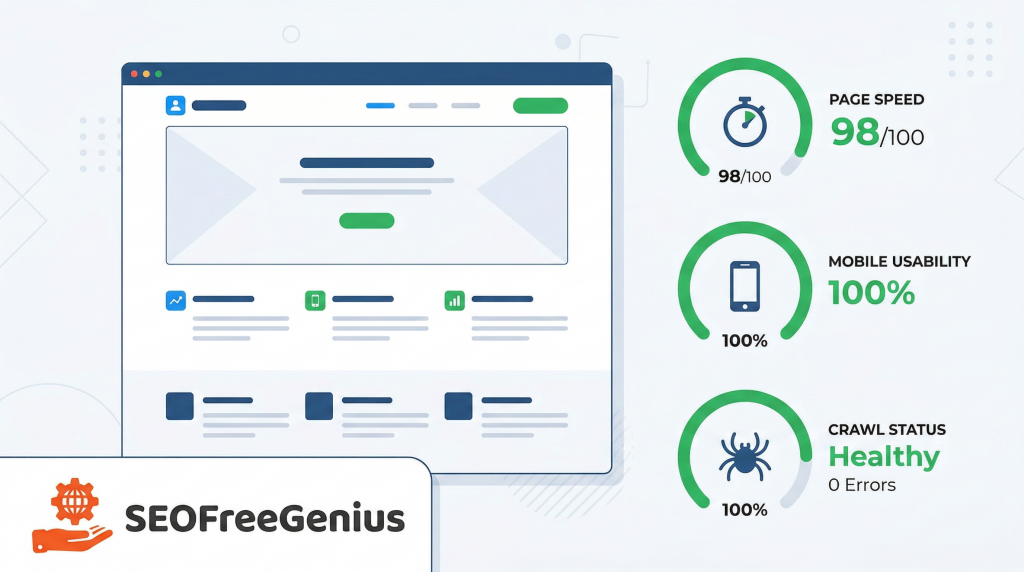
3. Technical SEO: Make It Easy for Google to Crawl and Trust Your Site
Technical SEO sounds scary, but with the right free tools you mostly need to answer three questions:
- Can Google crawl my pages?
- Are they fast enough?
- Does anything on my site break or confuse users?
3.1 Use Google’s own data first
- Google Search Console
- Your primary source of truth. Check:
- Indexing (Coverage / Page Indexing reports)
- Mobile usability
- Core Web Vitals overview [developers.google] [searchenginejournal]
- Your primary source of truth. Check:
- Google PageSpeed Insights
- Tells you where your page is slow and why (LCP, CLS, etc.). [semrush]
3.2 Then use your own technical helpers
On seofreegenius.com you’ve already bundled the basics into one place:
- Website Management Toolkit -seofreegenius.com/website-management/
Helpful tools include:- XML Sitemap Generator – to create and update your sitemap.
- Robots.txt Generator – to avoid blocking important URLs and to keep junk out of the crawl.
- Website Links Count Checker / Site Analyzer – to quickly see internal link patterns and potential thin areas.
For more detail on doing technical SEO on a budget, you already cover this in “Technical SEO on Shared Hosting: How to Make a Fast Crawlable Site on a Budget” and “Technical SEO for Shared Hosting and Budget Sites”.
4. Meta Tags, Snippets, and Click‑Through Rate
Once your page can rank, the next battle is getting people to click.
4.1 Titles and descriptions with free tools
- SEOFreeGenius Meta Tag Tools
- Use the Meta Tag Generator / Analyzer to:
- Keep titles under ~60 characters and descriptions under ~155.
- Include your main keyword without sounding like a robot.
- Use the Meta Tag Generator / Analyzer to:
- Rich Results Test
- Check if your Schema markup is valid and if your page is eligible for rich results (FAQ, HowTo, etc.). [searchengineland]
- schema.org
- Reference for which Schema types make sense: Article, FAQPage, HowTo, Product / SoftwareApplication for tools. [searchengineland]
If you need a broader on‑page checklist, your article “On‑Page SEO Checklist for Small Websites (You Can Do This in One Afternoon)” is a good complement.
5. Backlinks & Authority: Free Tools to See Who Actually Trusts You
Backlinks are still one of the strongest ranking signals. [wellows] [searchengineland]
You don’t have to obsess over every metric, but you should know:
- Who is linking to you
- Who links to your competitors
- Whether your links are coming from decent sites
5.1 Start with your own and Google’s view
- SEOFreeGenius Backlink Checker
- Quick way to see top referring domains and anchor text patterns.
- Google Search Console – Links report
- Google’s version of your backlink profile. [developers.google]
Use these to spot:
- Obvious junk or spam (consider disavow carefully).
- Sites that already like your content (great for follow‑up outreach or partnerships).
5.2 Check competitors with free tiers
The goal is simple: note which types of sites link to your competitors (blogs, directories, tools pages) and use that as a blueprint for your own outreach. [semrush]
For practical how‑tos here, you already have:
- “Backlink Analysis for Beginners: A Complete Guide to Strengthening Your SEO”
- “How to Run a Backlink Health Check (Without Getting Penalized)”.
6. Rank Tracking and Monitoring: See What’s Working
Ranking tools don’t improve rankings by themselves, but they tell you whether your changes are paying off.
6.1 Use Search Console as your base
- Google Search Console Performance report
- See impressions, clicks, average positions, and CTR for all queries. [developers.google]
You can quickly find:
- Pages with high impressions but low CTR → improve titles/descriptions.
- Queries where you sit around positions 8-20 → good candidates for content refreshes or better internal links. [searchenginejournal]
6.2 Layer on simple rank checkers
- SEOFreeGenius Keyword Position Checker
- Use it to track a short list of important keywords per page so you can see movement without drowning in data.
- Google Alerts
- Keep an eye on brand mentions and niche topics, which often turn into link or content ideas.
This rank‑tracking fits nicely with your broader processes in “Real‑World SEO Fixes: 5 Changes That Moved Our Pages from Page 2 to Page 1” and “How to Turn a Free SEO Tools Site from 0 to 10K Clicks Using Only Search Console Data.
7. AI‑Assisted Content: Use It, but Keep the Human in Charge
In 2026, ignoring AI completely is as risky as over‑using it. Most serious content workflows use AI somewhere – but not as a one‑click article generator. [credible-content] [trendchaska] [sagemg] [semrush]
Typical safe uses:
- Brainstorming angles and outlines
- Generating variations of titles and meta descriptions
- Drafting parts of FAQs or examples that you then rewrite in your own voice
Popular tools:
- ChatGPT
- Google Gemini
- Surfer SEO / Clearscope (trials) – for seeing content gaps vs top results. [semrush]
Your own Plagiarism Checker and Meta Tag tools are perfect companions here: use AI for ideas, then clean up tone and ensure originality and good metadata.
For bigger‑picture strategy around AI and search, see also “The Future of SEO: AI, Voice Search, and E‑E‑A‑T Strategies” and “5 Crucial Changes in SEO for 2026 and How to Adapt Now”.

8. A Simple 90‑Day Plan Using Only Free Tools
Tools only matter if you use them consistently. Here’s a stripped‑down version of your existing action plan, focused on what a small site owner can realistically do.
Weeks 1–2 – Set up and audit
- Set up Google Search Console and submit your XML sitemap.
- Run an initial technical check:
- PageSpeed Insights
- SEOFreeGenius Website Management tools (sitemap, robots.txt, site analyzer). (seofreegenius.com/website-management/)
- Build a starter keyword list (10-20 terms) using Google Keyword Planner + SEOFreeGenius Keyword Tools.
Weeks 3–6 – Publish and improve content
- Optimize or rewrite 3-5 key pages using the on‑page and readability tools.
- Publish 2-3 new posts around your best long‑tail keywords.
- Compress images (TinyPNG or equivalent) and check speed again.
Use your own content refresh approach from “The Content Refresh Playbook: How to Update Old Articles Safely”.
Weeks 7–12 – Build authority and refine
- Use SEOFreeGenius Backlink Checker + competitor tools to find 5-10 realistic link opportunities.
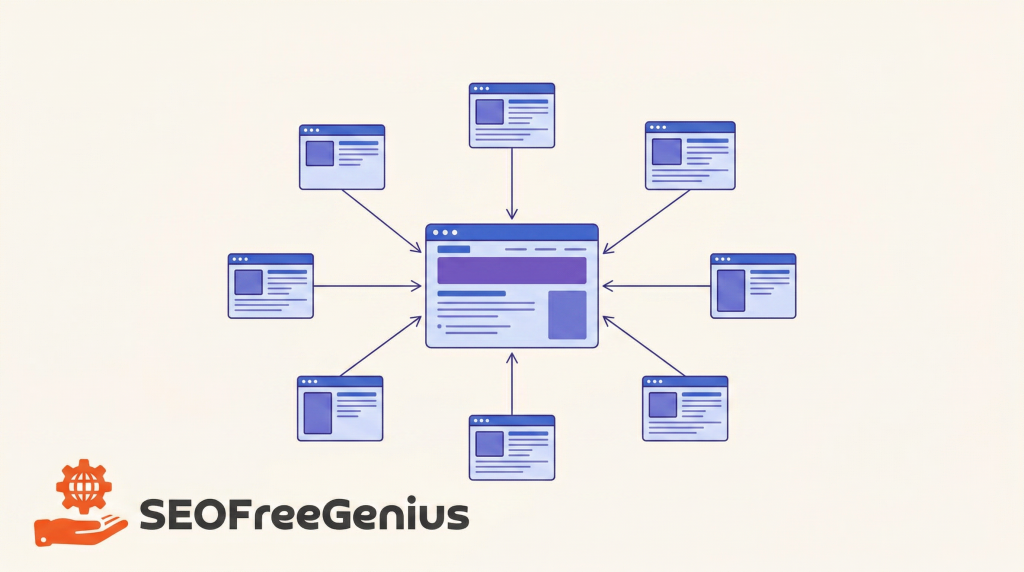
- Improve internal links: send authority from your strongest pages to important but weaker ones (topic cluster style). See “Building Topic Clusters Around Your SEO Content”.
- Keep an eye on Search Console for:
- New queries
- Pages stuck as “Crawled – currently not indexed” (then improve content/links and request indexing). [seotesting] [onely] [yoast] [motava]

Conclusion: Free Tools Are Enough—If You Use Them Like a Pro
You don’t need a huge budget to do serious SEO in 2026. You need:
- A focused stack of free tools
- A simple, repeatable workflow
- The discipline to keep improving content and fixing issues over time
Google’s own documentation and most 2026 SEO studies all point in the same direction: helpful content, good technical foundations, and clear signals of experience and trust win more than tool price tags. [heyprospekt] [developers.google] [searchengineland] [semrush]
If you do nothing else after reading this, do this:
- Set up or re‑check Google Search Console.
- Run a quick audit with your seofreegenius toolkits.
- Pick one underperforming page and improve it using the tools in this checklist.
Then repeat. Free tools are more than enough to get moving – as long as you keep using them.

Samir H. M. is the creator of [seofreegenius.com], offering 66+ free SEO tools from Riyadh. He’s hands-on tested and built features like plagiarism checkers and backlink tools, plus 36 guides to help sites rank better. Practical, no-BS advice for real users.