
- Published: March 12, 2026
- Author: Samir Hassan
- Reading time: 7-9 minutes
Introduction: Keyword Research Without a Tool Budget
If you’ve ever opened a premium SEO tool, loved the features, and then closed the tab after seeing the price, you’re not alone.
The good news: in 2026, you can do serious keyword research with free tools only and still compete in most niches. You won’t get every advanced feature, but you’ll get everything you need to: [semrush]
- Understand what your audience is actually searching for
- Spot topics you can realistically rank for
- Build content that connects with real questions, not just search volumes
In this guide, I’ll walk through a simple, 8‑step keyword research workflow built entirely on free tools; many of them already available on seofreegenius.com.
If you want a bigger picture of how this fits into SEO as a whole, you can pair this guide with:
- “SEO for Complete Beginners: How Google Finds and Ranks Your Website”
- “Free SEO Tools Checklist 2026: How I Actually Use Them to Grow Traffic”
Step 1: Get Clear on Your Niche and Who You’re Writing For
Before touching a tool, get out a notepad.
Ask yourself:
- What problems does my audience face?
- What solutions do I realistically provide?
- Who else is publishing content on these topics (competitors)?
Write down 5-10 broad topic buckets. Example for a small SEO blog:
- Free SEO tools
- Keyword research
- Technical SEO on cheap hosting
- Fixing indexing issues
- YouTube SEO
These topics become the “containers” for all the keywords you’ll find later.
If you’d like an SEO‑plus‑AI angle here, check out “Leveraging Google AI Trends for Better Rankings in 2026”. [semrush]

Step 2: Brainstorm Seed Keywords Like a Real User
Seed keywords are the short, obvious phrases around each topic; things your audience would actually type.
Sources:
- Your own brain: If someone asked you for help, what would they type into Google?
- Google Search Console (if you have enough data): look at the “Search results” → Queries tab to see what’s already bringing traffic. [developers.google]
- Forums and communities: Reddit, Quora, niche Facebook groups—pay attention to the words people use in questions. [sagemg]
For each topic, aim for 10-20 seed phrases. For “free SEO tools,” that might be:
- free SEO tools for beginners
- best free keyword research tools
- free tools to check backlinks
If you want a checklist of other free tools that support this part, see your Free SEO Tools Checklist 2026 and How to Do Keyword Research Using Only Free Tools (Step-by-Step Guide) articles.
Step 3: Use Google Autocomplete, People Also Ask, and Related Searches
You can get a surprising amount of keyword data directly from Google itself—no login required. [semrush]
3.1 Autocomplete
Type one of your seed keywords into Google and pause:
- Note the suggestions that drop down; those are real phrases people search.
- Example: type “keyword research” and you might see “keyword research free tools”, “keyword research for YouTube”, etc.
3.2 People Also Ask
On many results pages, you’ll see a “People also ask” box.
- Expand a few questions.
- If the questions fit your niche and you can genuinely answer them better, add them to your list.
3.3 Related searches
Scroll to the bottom of the SERP and look at “Related searches” for more long‑tail ideas like “how to do keyword research step by step”.
These three areas are essentially Google whispering real user language to you.
Step 4: Use Google Keyword Planner for Hard Numbers
Now you have a big list of phrases. It’s time to add some data.
Google Keyword Planner is free if you create a Google Ads account (you don’t need to run ads to use it). [semrush]
- Go to ads.google.com → Tools → Keyword Planner → “Discover new keywords”.
- Enter a few of your seed keywords.
- Filter by your target country/language.
- Look at:
- Average monthly searches (ranges)
- Competition level (low/medium/high)
For small or newer sites, I usually aim for:
- 100-1,000 monthly searches
- Low competition where possible
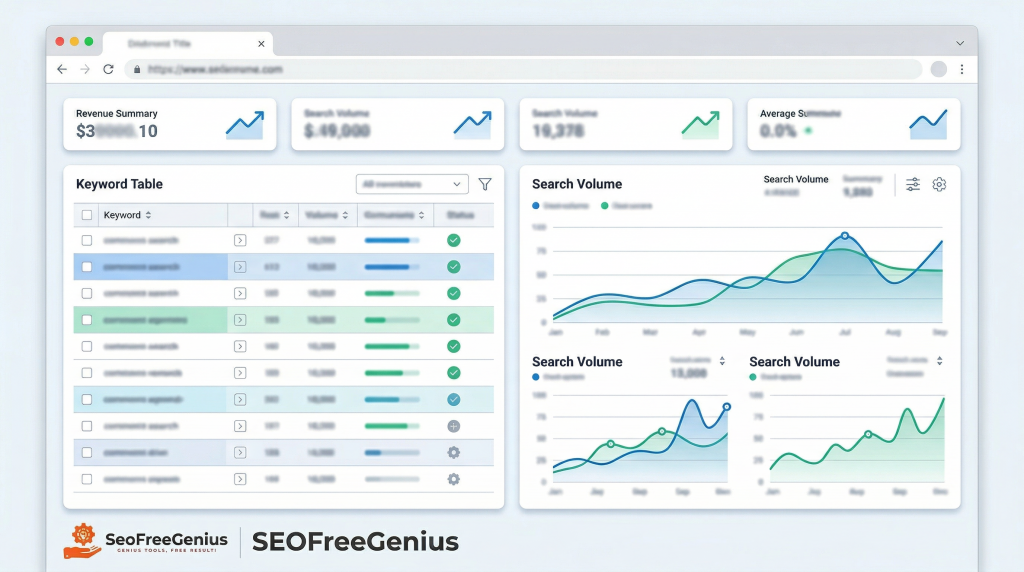
Export the data as a CSV and keep it in a spreadsheet so you can sort/filter later. [semrush]
Step 5: Check Trends So You Don’t Chase Dead Topics
Not every keyword is worth your time, even if it has volume now.
Open Google Trends: [semrush]
- Enter your candidate keywords one by one (or compare a few).
- Look at the graph:
- Is interest stable?
- Rising? Great.
- Declining sharply? Maybe skip or de‑prioritize.
Example: if “AI SEO tools” spikes while “keyword stuffing techniques” falls over time, you already know which angle is future‑proof. [heroicrankings] [mikekhorev]
For broader strategic context on where SEO is heading, you can cross‑reference with “5 Crucial Changes in SEO for 2026 and How to Adapt Now” and Free-SEO-Tools-Checklist-2026.
Step 6: Expand Ideas with Question and Long‑Tail Tools
Now we zoom back out for a moment and add more long‑tail, question‑based keywords. [hashmeta] [sagemg]
Good free options:
- AnswerThePublic
- Enter a seed keyword; you’ll see dozens of “what / how / why / which” questions.
- KeywordTool.io (free tier)
- Pulls ideas from Google Autocomplete, YouTube, etc.
- Ubersuggest (free searches)
These tools are great for building FAQ sections and supporting articles. In your own content system, they connect nicely with your topic‑cluster approach in “Building Topic Clusters Around Your SEO Content”
Try to keep your master list to something manageable; maybe 50-100 promising keywords per site, not thousands you’ll never use.
Step 7: Do Lightweight Competitor Research Without Paying
You don’t need a paid suite to see what’s already working for other sites. [semrush]
7.1 Manual SERP review
For each important keyword:
- Search it in Google.
- Open the top 5-10 results.
- Note:
- Page titles and headings
- How deep their content goes (word count, subtopics)
- Whether they’re targeting obvious related questions
This gives you a reality check: what would you need to match or beat to rank here? [searchengineland] [semrush]
7.2 Free browser helpers
- MozBar (free extension)
- Quick view of Page Authority / Domain Authority.
- Keywords Everywhere (limited free credits)
- Shows related terms and rough volume directly in the SERP.
You’re not trying to copy competitors; you’re trying to find gaps they missed and understand the standard you have to meet. [semrush]
For link‑focused competitor analysis, combine this with SEOFreeGenius Backlink Checker and your backlink guides.


Samir H. M. is the creator of [seofreegenius.com], offering 66+ free SEO tools from Riyadh. He’s hands-on tested and built features like plagiarism checkers and backlink tools, plus 36 guides to help sites rank better. Practical, no-BS advice for real users.
Step 8: Refine, Prioritize, and Test Your Keyword List
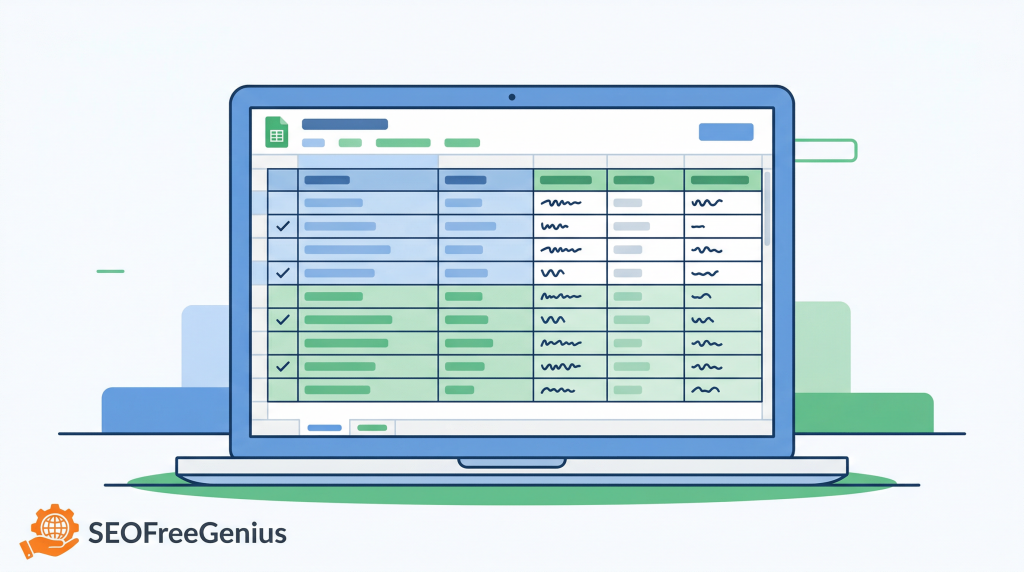
By now, you probably have a big spreadsheet. Time to turn it into a short, realistic hit list.
Create columns for:
- Keyword
- Search volume (from Keyword Planner or tools)
- Competition (low/medium/high)
- Intent (informational, commercial, etc.)
- Notes (e.g., fits “free tools” cluster, good for YouTube, etc.)
8.1 How to choose your first targets
For a small site, I usually prioritize:
- High relevance to your niche and monetization
- Medium volume (100-1,000 searches/month)
- Low or medium competition
- Clear informational intent (so blog posts can rank) [searchengineland] [semrush]
Then map them to content types:
- Pillar article
- Supporting guide
- FAQ section
- Tools page (if you have a matching tool)
8.2 Check keyword usage with a free density tool
After you write or rewrite content, quickly check that you’re using the keyword naturally:
- SEOFreeGenius Keyword Density Checker
You’re not aiming for a magic percentage, but this can catch extremes (like 0 mentions or 5% spam).
For guidance on combining word count and keyword use in a sane way, see “Word Count Optimization Guide: The 2024 SEO Blueprint for Higher Rankings”
Putting It All Together: A Simple Free‑Tool Workflow You Can Repeat
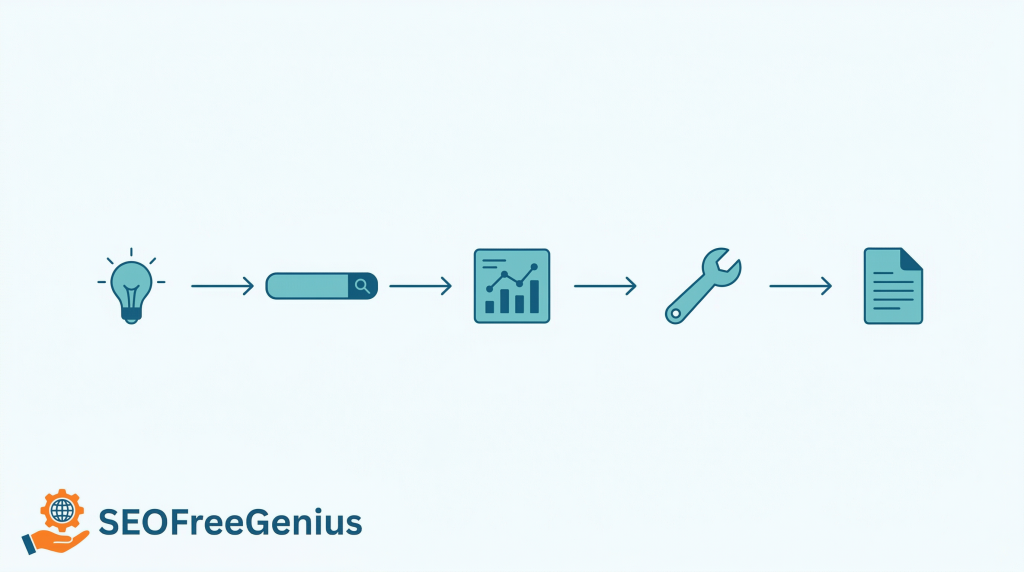
Here’s a condensed version you can use every time you plan new content:
- List 5-10 topics based on your audience and goals.
- Brainstorm 10-20 seed keywords per topic using your own knowledge + Search Console + forums.
- Expand with Google Autocomplete, People Also Ask, related searches.
- Get volume/competition data from Google Keyword Planner.
- Check stability and seasonality in Google Trends.
- Add long‑tail and question keywords from AnswerThePublic / KeywordTool.io / Ubersuggest.
- Review top SERPs and competitors to set your quality bar.
- Prioritize and map keywords to content, then test usage with SEOFreeGenius Keyword Density Checker. [sagemg] [semrush]
This keyword work plugs directly into your broader systems:
- Plan content with Blog SEO Workflow: From Idea to Published, Optimized Article
- Monitor performance with How to Turn a Free SEO Tools Site from 0 to 10K Clicks Using Only Search Console Data
- Keep things tidy with The Content Refresh
All of these are available on seofreegenius.com.
Conclusion: Free Tools Are Enough—If You Have a Process
Keyword research in 2026 doesn’t have to start with a credit card. With Google’s own tools, a handful of free external platforms, and your SEOFreeGenius toolkit, you have more than enough firepower to:
- Understand your audience’s language
- Choose keywords with a real chance of ranking
- Build content that feels helpful and human, not just “optimized” [credible-content] [sagemg] [semrush]
The key difference between people who get results and people who don’t isn’t the tool budget; it’s whether they follow a process consistently.
Pick one topic, run it through this workflow, publish or refresh a piece of content around your new keywords, and watch how your Search Console data changes over the next few months.
Samir H. M. is the creator of [seofreegenius.com], offering 66+ free SEO tools from Riyadh. He’s hands-on tested and built features like plagiarism checkers and backlink tools, plus 36 guides to help sites rank better. Practical, no-BS advice for real users.