
- Published: April 8, 2026
- Author: SEO Free Genius Team
- Reading time: 8–9 minutes
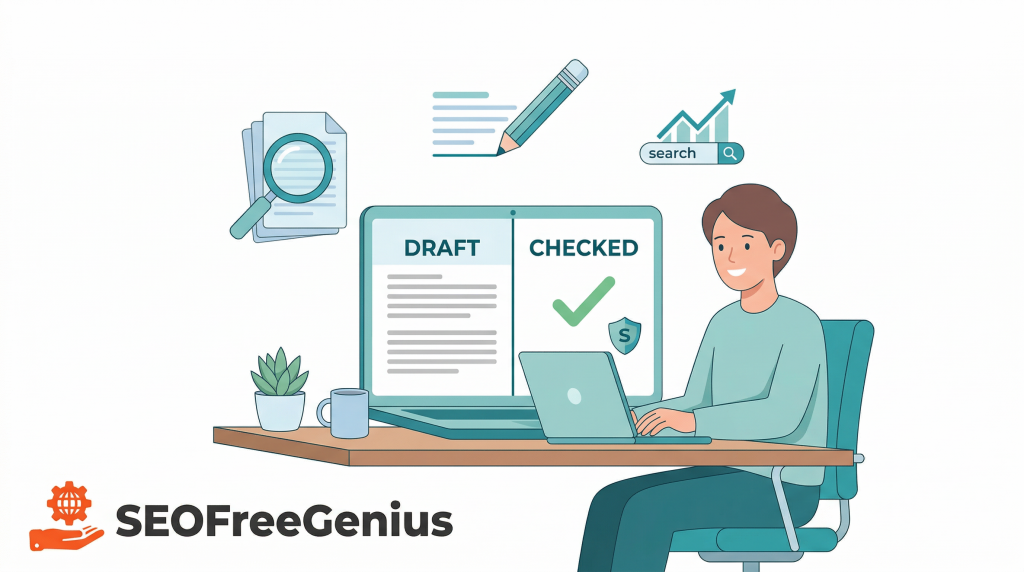
Search engines reward original, clear content that genuinely helps users. Using tools like a plagiarism checker and article rewriter can speed up your workflow, but only if you use them in a careful, honest way. This guide shows how to combine both tools so you avoid duplicate content problems and keep your writing natural and trustworthy.[serpstat. writerush]
You can follow the steps using the free tools on SEO Free Genius:
- SEO Free Genius Plagiarism Checker: https://seofreegenius.com/plagiarism-checker
- SEO Free Genius Article Rewriter: https://seofreegenius.com/article-rewriter
- Word Counter: https://seofreegenius.com/word-counter. [seofreegenius blog]
1. Understand what counts as plagiarism and duplicate content
Before touching any tool, it helps to know what you are actually trying to avoid.
- Plagiarism is when your text matches someone else’s work too closely without proper attribution. This is a legal and ethical problem, not just an SEO issue. [rewriteguru. writerush]
- Duplicate content is when large parts of your own site (or the web) reuse the same wording. Search engines may not penalize you every time, but they can choose another page instead of yours, or treat your site as low quality.[serpstat]
Tools cannot decide intent. They only show overlap. Your job is to use that information to produce clearer, more original writing.
2. Start with a draft you wrote yourself
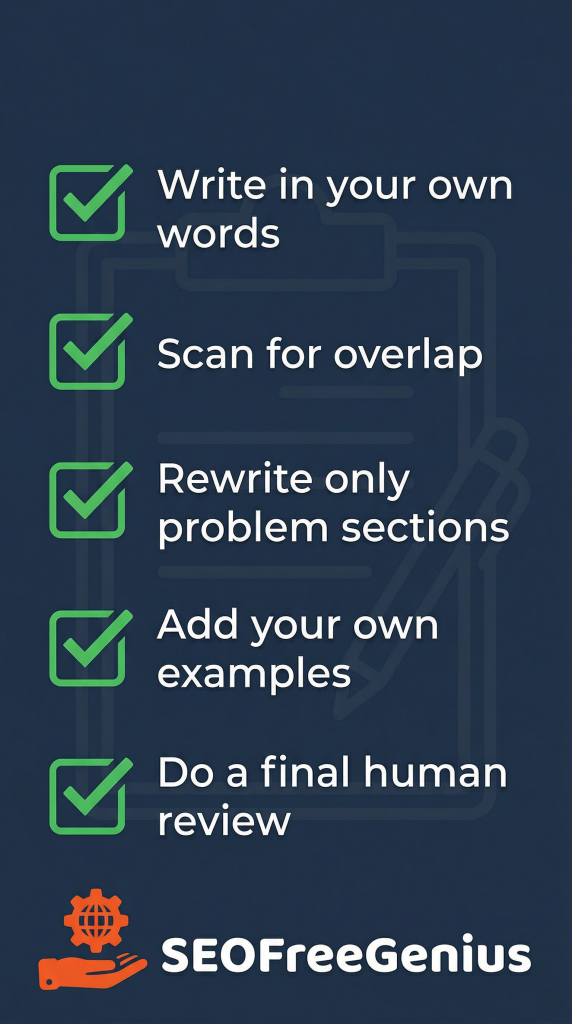
Tools work best when they help improve content you already created, not copy someone else’s article. A safe workflow is:
- Outline your topic and main points.
- Write a rough draft in your own words, even if it is messy.
- Only then start using tools to check for duplication or improve clarity.[writerush. serpstat]
If you begin by pasting someone else’s article straight into a rewriter, you are already too close to plagiarism and may end up with awkward, low‑trust content.
3. Use the Plagiarism Checker to scan for matching text
Once you have a draft, run it through your Plagiarism Checker. You can do this with the SEO Free Genius Plagiarism Checker at: https://seofreegenius.com/plagiarism-checker
- Paste the text or upload the file.
- Let the tool scan for matches across the web.
- Review the report: what percentage is unique, where are matches found, and which sentences or paragraphs are flagged.
Focus on:
- Paragraphs that match a single source very closely.
- Repeated boilerplate text across several of your own pages.
- Definitions or product descriptions that look identical to a manufacturer or competitor page. [semrush]
The goal is not to chase a “0% match” score at all costs. The goal is to find where your writing is too close to another page and decide how to improve it.
4. Decide when you really need to rewrite
Not every match is dangerous.
- Safe to keep (often):
- Short phrases, common expressions, or standard terms.
- Quoted text with proper attribution and quotation marks.
- Should be changed:
If a paragraph exists mainly because you copied it from somewhere else, it should be rewritten or replaced.
5. Use the Article Rewriter as a helper, not an autopilot
An Article Rewriter is useful for getting new wording ideas, but it should not be your only step.
You can use the SEO Free Genius Article Rewriter at:
A safe way to use it:
- Copy only the specific sentences or paragraphs that need work (not the entire article).
- Run them through the Article Rewriter.
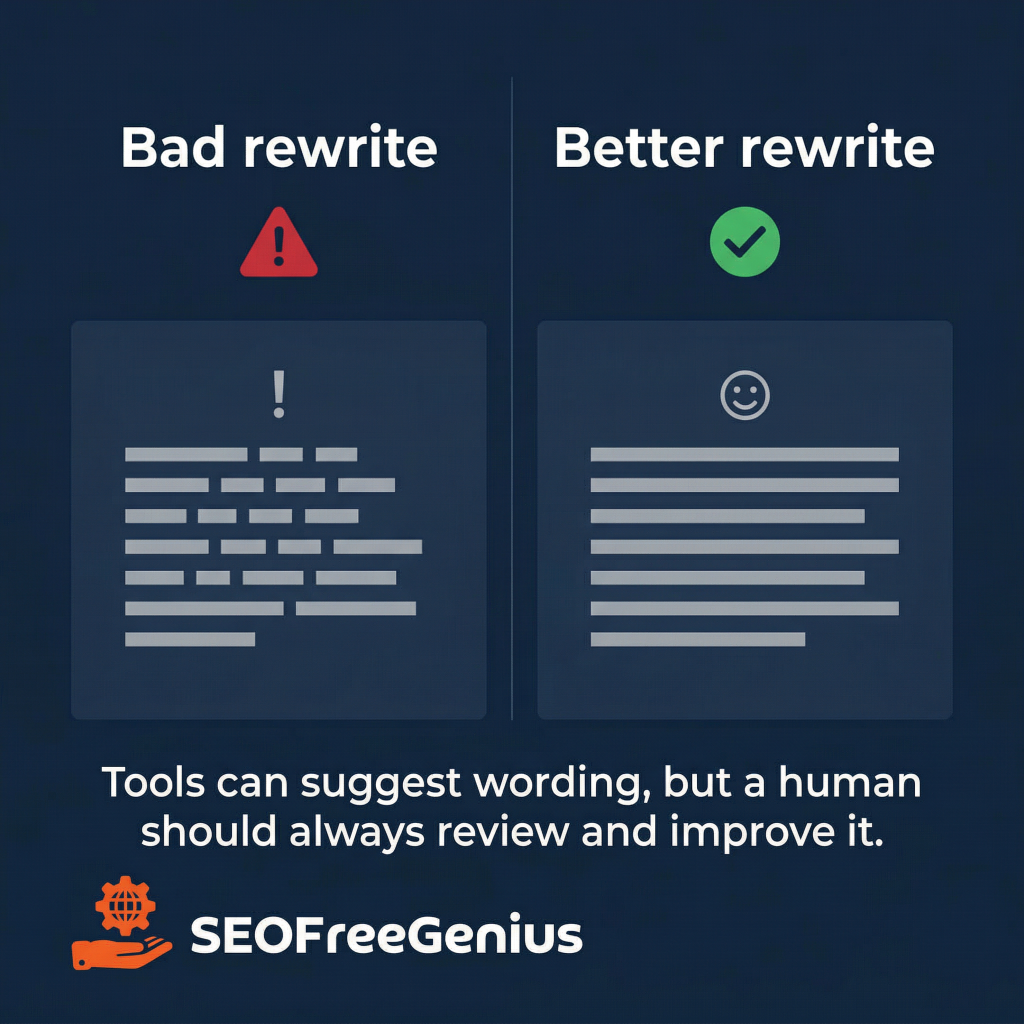
- Read the suggestions carefully. Remove awkward phrases, fix grammar, and adjust the tone so it still sounds like you.
- Add your own examples, explanations, or data to make the new text truly yours. [wordai. articlerewriter. writerush]
Avoid these risky habits:
- Rewriting a whole article in one click and publishing without reading.
- Using rewriting just to “beat detectors” without adding any unique value.
- Trusting any tool that promises “100% undetectable plagiarism‑free SEO text” without your own review.[wordai. rewriteguru. writerush]
6. Combine both tools in a simple workflow
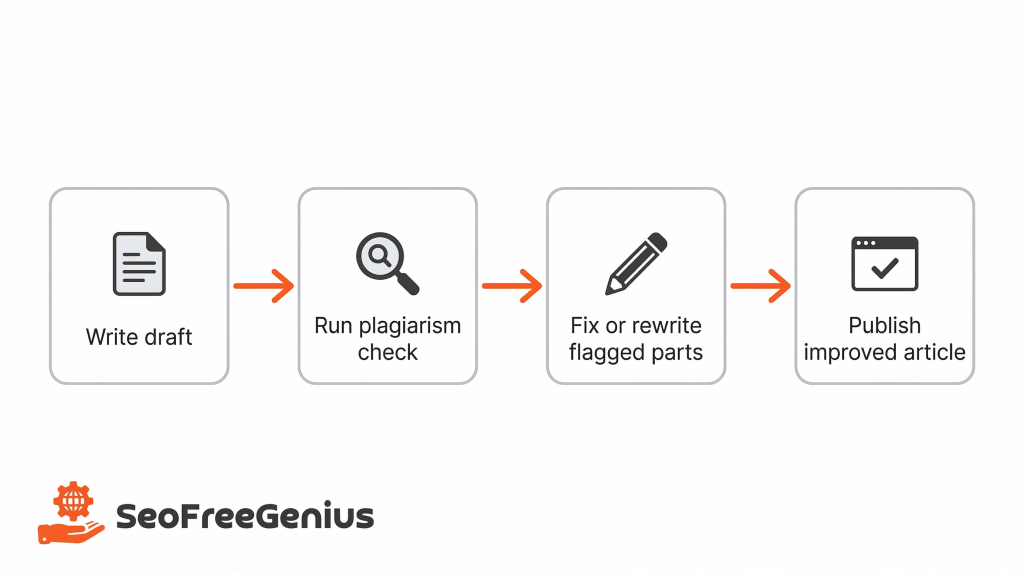
A practical workflow that keeps things safe:
- Draft: Write your article from scratch.
- First rewrite (optional): Use Article Rewriter on only the clumsy or flagged sections to improve clarity and flow. [quillbot. wordai]
- Plagiarism check: Run the new version through Plagiarism Checker.
- Fix overlaps:
- Manually rewrite any remaining problem areas.
- Add original examples, comparisons, or short case studies.
- Final proofread: Read the entire article out loud to catch unnatural sentences or repeated ideas.
- Optimize and publish: Add headings, internal links, and meta tags, then publish. [seofreegenius blog. serpstat]
This loop helps you catch duplication early and keep your writing natural.
7. Add your own examples and structure
Search engines look for helpful content, not just different wording. To show that your article genuinely adds value:
- Include specific examples from your niche or from your own projects.
- Explain why a step matters, not just what to click.
- Add screenshots or short walkthroughs of how you use the tools.
- Answer real questions you see in comments, emails, or forums. [serpstat. writerush]
Rewriting plus original insight is much stronger than rewriting alone.
8. Avoid common SEO mistakes with rewriting tools
When people rely too heavily on rewriters, they often create new SEO problems:
- Over‑optimized text: Keyword repetition becomes unnatural and spammy.
- Broken structure: Headings and paragraphs do not follow a clear logic anymore.
- Wrong facts: Automated changes alter meaning or dates.
- Inconsistent tone: Parts of the article feel like different writers.
You can avoid this by:
- Keeping your keyword usage natural; do not force it into every sentence.
- Checking that each section still answers one clear question.
- Verifying numbers, statistics, and quotes after rewriting.
- Editing everything in one consistent voice before publishing. [purewrite]
9. When you should not use an article rewriter at all
There are times when manual writing is the only good option:
- Legal, medical, or financial topics where precision and liability are critical.
- Personal stories and case studies that rely on your unique experience.
- Official documentation for products, APIs, or policies. [jeffbullas]
In these cases, tools like a Plagiarism Checker are still useful to spot accidental overlap, but the actual writing should stay fully human and carefully reviewed.
10. Build a long‑term content habit
Using a Plagiarism Checker and Article Rewriter correctly can help you:
- Publish faster without flooding your site with low‑quality copies.
- Keep older content fresh by rewriting and expanding it instead of creating thin duplicates.
- Protect your site from accidental plagiarism, especially when you work with multiple writers or external sources.[articlerewriter. serpstat. writerush]
Over time, focus on building a library of articles where:
- Each page covers one clear topic better than your previous version.
- Tools support your process but never replace your judgment.
- Readers can tell there is a real person behind the content.
Conclusion
In the end, tools like a plagiarism checker and article rewriter are safest when they support your writing, not replace it. Used in the right order—draft, check, carefully rewrite, then check again—they help you spot risky overlap, clean up awkward sentences, and publish content that is both original and readable. Focus on adding your own examples and explanations rather than chasing a perfect score, and your articles will stay useful for readers while avoiding the common SEO problems that come from copied or over‑spun text. [seofreegenius blog. serpstat. writerush]
If you want to follow this workflow step by step, you can combine the SEO Free Genius Plagiarism Checker (https://seofreegenius.com/plagiarism-checker), the SEO Free Genius Article Rewriter (https://seofreegenius.com/article-rewriter), and the Word Counter tool (https://seofreegenius.com/word-counterr) before you hit publish.
Near the end of the article, add a short new paragraph such as: “If you want all these utilities in one place, you can use the Text Tools hub on SEO Free Genius. It groups plagiarism, rewriting, MD5, and word‑count tools together.” [seofreegenius]

Samir H. M. is the creator of [seofreegenius.com], offering 66+ free SEO tools from Riyadh. He’s hands-on tested and built features like plagiarism checkers and backlink tools, plus 36 guides to help sites rank better. Practical, no-BS advice for real users.