
- Published: April 08, 2026
- Author: SEO Free Genius Team
- Reading time: 8–10 minutes
Most teams treat plagiarism checkers and rewriters as isolated utilities. In a technical SEO setup, they should be part of a controlled content pipeline with clear thresholds, audit trails, and QA steps. This guide outlines a workflow you can plug into your existing content operations without triggering duplicate‑content or quality issues.
You can implement this workflow using SEO Free Genius tools:
- SEO Free Genius Plagiarism Checker – for scanning drafts before publishing.
- SEO Free Genius Article Rewriter – for assisted rewriting of risky sections.
- Online MD5 Generator – for creating hashes when you need content fingerprints.
- Text Tools hub – central page for all text‑related utilities.
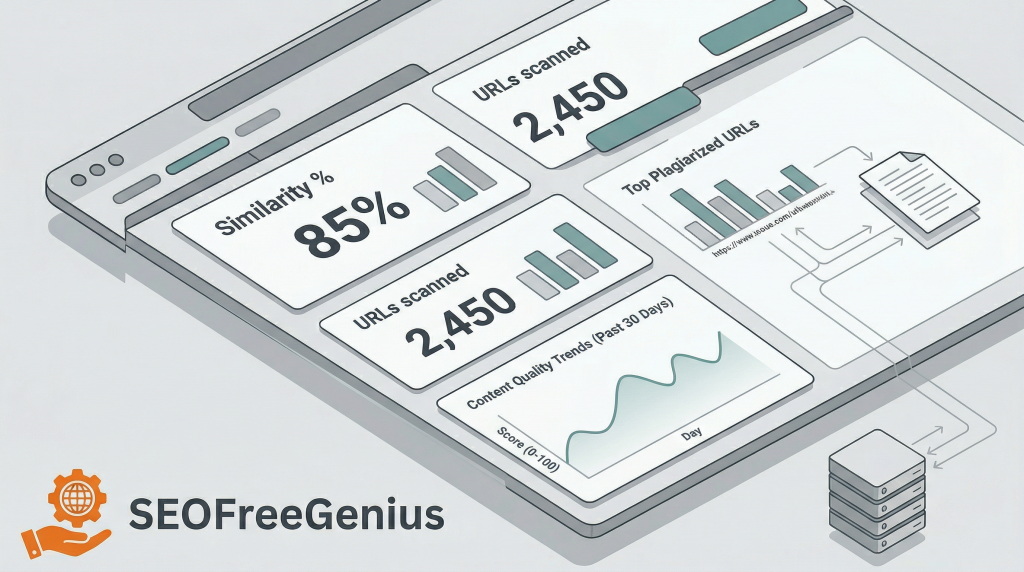
1. Define your similarity thresholds and risk categories
Before running any checks, set numeric rules so decisions are consistent across writers and editors.
A simple, practical model:
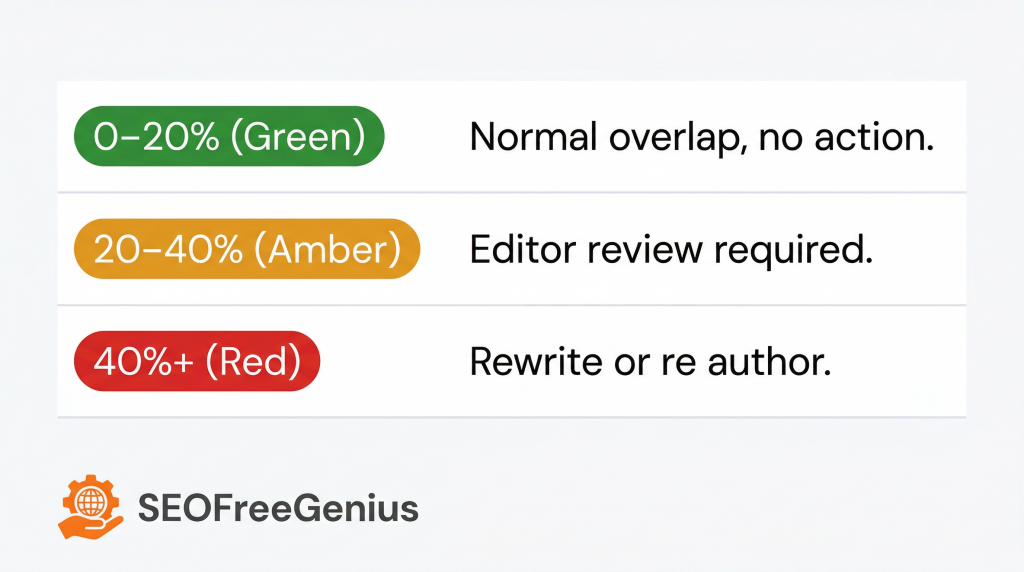
- Green (0–20% similarity) – normal overlap: boilerplate UI text, quoted phrases, branded terms. No action required unless it is a critical page. [Semrush. Serpstat]
- Amber (20–40%) – needs review: notable overlap with one or more sources or with your own existing URLs. Editor must inspect and approve or flag sections for rewriting.
- Red (40%+ or high similarity to one URL) – high risk: treat as duplicate content; sections must be reworked or re‑authored. [seofreegenius blog]
Document these thresholds in your content guidelines and enforce them in your briefing templates.
2. Integrate plagiarism checks into your content pipeline
Treat the SEO Free Genius Plagiarism Checker as a required step in your staging process, not an optional extra.
Recommended placement:
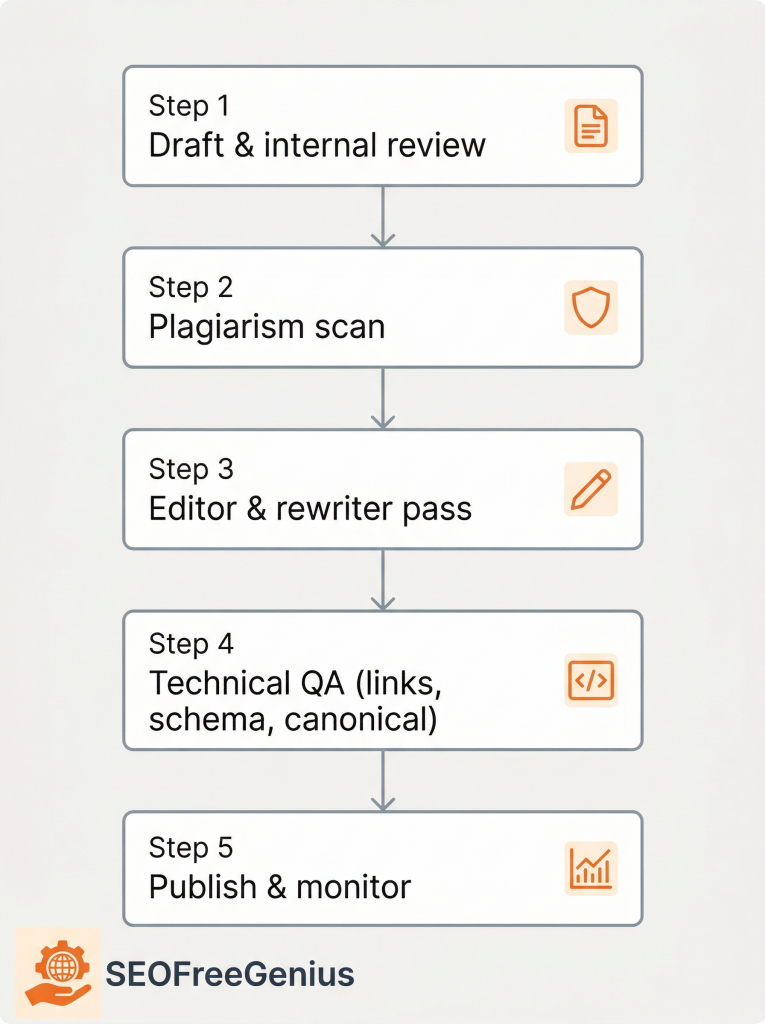
- Draft complete → internal review (fact check, structural edits).
- Plagiarism scan on the near‑final version with https://seofreegenius.com/plagiarism-checker.
- Technical QA (links, schema, meta data).
- Publish → monitoring in Search Console and analytics.[seofreegenius blog. semrush]
For longer pieces, scan in sections (for example by H2 blocks) to stay within tool limits and to make remediation simpler.
Log for each article:
- URL or ID
- Scan date
- Similarity percentage
- Top matching source URLs
- Final decision (approved, rewritten, re‑authored)
This gives you an audit trail if issues surface later.
Further reading: “Integrating Plagiarism Checkers into Your Writing Workflow” (City College Library).
3. Interpret the plagiarism report like an SEO, not just an editor
When the report comes back, you are not only looking for ethics problems—you are looking for SEO collision risks.
Pay special attention to:
- Clusters of matches against one external URL– You risk being seen as a derivative version of that page [Semrush. Serpstat]
- Matches against your own site – Often a sign of boilerplate reused too aggressively or legacy copy pasted across templates.
- Matches in intros and conclusions – These are key for snippet eligibility and differentiation; duplicated intros are a missed opportunity.[purewrite]
If overlap is mainly with your own low‑value legacy posts, consolidation or canonicalization may be better than rewriting everything.
4. Use the Article Rewriter for assisted edits, not blind spinning
Most automatic rewriters simply rotate synonyms, which may beat a basic checker but destroy readability and can introduce factual errors.[wpseoai]
Use the SEO Free Genius Article Rewriter in assisted mode:
- Limit the input to problem segments (e.g., a 150–250 word block flagged in the report), not the whole article.[Serpstat. seofreegenius blog]
- Keep a copy of the original so you can validate meaning after rewriting.
- After each pass, run a diff (visually or in your editor) and verify:
- Entities and numbers didn’t change meaning.
- Internal links and CTAs still make sense in context.
- Tone matches the rest of the page.
Think of the tool as a suggestion engine that gives you alternative phrasings and structures; the editor remains responsible for final wording. [jeffbullas. wpseoai]
5. Enforce structural variation, not just lexical changes
Search engines compare more than individual words—they look at structure and information gain. For high‑risk segments, be sure to vary:
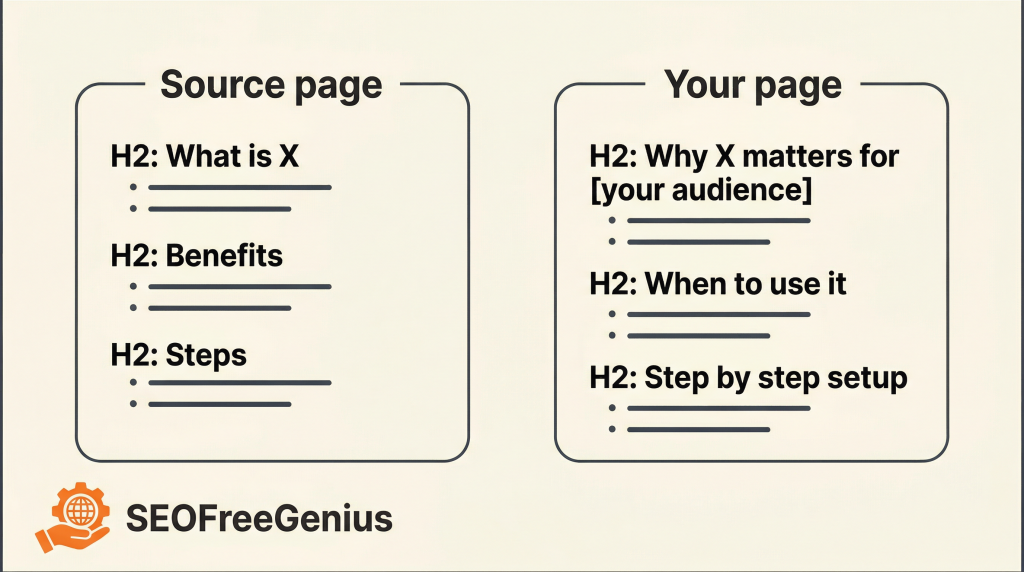
- Heading structure: rewrite H2/H3 labels so they reflect your own angle and keyword strategy, not the source’s outline. [purewrite]
- Order of ideas: adjust the sequence where it still makes logical sense.
- Examples and use cases: replace generic examples with your own screenshots, data, or workflows, ideally showing how you use SEO Free Genius tools. [agentx. Serpstat]
Your goal is clear informational differences, not cosmetic synonym swapping.
6. Combine plagiarism and rewriting in an iterative loop
A repeatable loop for technical teams can look like this:
- Initial scan of the near‑final draft with the SEO Free Genius Plagiarism Checker; log metrics and flagged blocks. [seofreegenius blog]
- Editor pass:
- For “amber” blocks, lightly edit wording and add original commentary.
- For “red” blocks, use the SEO Free Genius Article Rewriter as a first pass, then manually refine.
- Second scan on only the changed sections to confirm similarity drops below your thresholds. [Serpstat]
- Full‑page read‑through for coherence, intent, and UX.
- Technical review (schema, internal links, canonical tags, hreflang if needed). [purewrite. Oncrawl]
This keeps tools inside a controlled environment instead of letting individual writers decide ad‑hoc.
7. Protect E‑E‑A‑T while using automation
From an E‑E‑A‑T and monetization perspective, automated rewriting is risky when it removes signs of real expertise.
To avoid that:
- Keep author names, bios, and context clearly visible.
- Add proprietary examples or mini case studies per major section, such as “Here’s how we run a 2,000‑word guide through the SEO Free Genius Plagiarism Checker before publishing.”
- Require that any rewritten content goes through the same fact‑checking and editorial review as manual content.[smartling. wpseoai]
Automation should compress time spent on mechanical rewriting, not remove human judgment.
8. Watch search signals after implementation
Once you integrate this workflow, monitor how it affects performance.
Useful signals:
- Indexing and coverage: Are new/updated URLs indexed consistently, or stuck in “Crawled – Currently Not Indexed”? Persistent issues might indicate the content is still too similar to other URLs. [Semrush. Oncrawl]
- Impressions and clicks: for refreshed pages, check if impressions rise without major ranking volatility.
- Site‑wide quality: large numbers of near‑duplicate articles can drag perceived quality down; use your plagiarism reports plus crawl data to consolidate cannibalizing content.
If you see improvements, formalize the process in your SOPs; if not, reduce dependence on rewriting and push for more new, expert‑driven content.
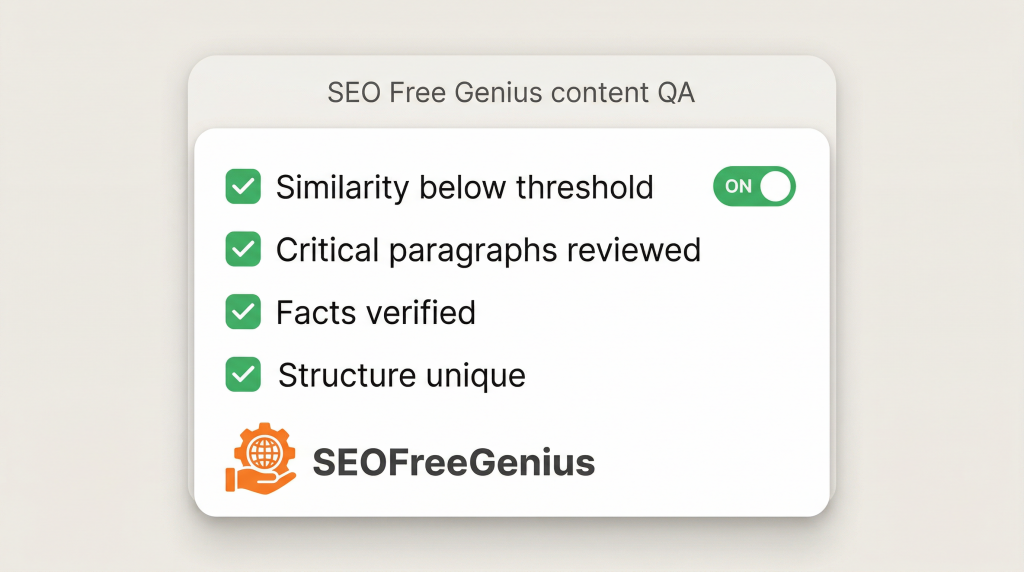
9. Practical checklist for your team
Before publishing any article that used plagiarism checking and rewriting, confirm:
- Similarity score is below your internal threshold for both the entire article and critical sections. [Serpstat] seofreegenius blog]
- No paragraphs are near‑copies of a single external URL.
- Important facts, numbers, and quotes have been manually verified. [wpseoai. jeffbullas]
- Headings and structure reflect your own angle and keyword strategy. [purewrite]
- At least one original example, screenshot, or workflow is added.
- Final version reads naturally, in your brand voice, with no “spun” artifacts.
You can log these checks alongside basic details and, if needed, content fingerprints generated with the SEO Free Genius Online MD5 Generator at https://seofreegenius.com/online-md5-generator.
Conclusion
For technical SEO teams, the real value of plagiarism and rewriting tools comes from putting them inside a repeatable workflow with thresholds, logs, and human QA. When every draft is scanned, triaged, iteratively rewritten, and re‑checked against clear similarity targets, you reduce duplicate‑content risk without slowing production. Combined with strong internal linking, E‑E‑A‑T signals, and ongoing monitoring in Search Console, this kind of structured process turns plagiarism checking and rewriting from ad‑hoc utilities into a predictable part of your content quality system.
To implement this in practice, you can standardize on a small stack: the SEO Free Genius Plagiarism Checker (https://seofreegenius.com/plagiarism-checker) for similarity reports, the SEO Free Genius Article Rewriter (https://seofreegenius.com/article-rewriter) for assisted edits on risky segments, the Online MD5 Generator (https://seofreegenius.com/online-md5-generator) for simple fingerprints, and the Text Tools hub (https://seofreegenius.com/text-tools.php) as the entry point for all text‑quality utilities in your SEO workflow.
If your team wants a single starting point, you can keep all these utilities together on the SEO Free Genius Text Tools hub.

Samir H. M. is the creator of [seofreegenius.com], offering 66+ free SEO tools from Riyadh. He’s hands-on tested and built features like plagiarism checkers and backlink tools, plus 36 guides to help sites rank better. Practical, no-BS advice for real users.