
IntrodIn 2026, YouTube is a search engine in its own right; and Google keeps blending more video into regular search results. A single well‑optimized video can show up: [backlinko]
- In YouTube search
- Inside suggested and “Up next” recommendations
- In Google’s video carousel and classic organic listings
- On pages that pull video into richer, AI‑assisted answers [almcorp]
This guide focuses on what you can actually do, step‑by‑step, to give each video a real shot at ranking on both platforms; using free tools from seofreegenius.com plus a small set of proven external resources. [aioseo]
1. Pick Topics Where Viewers Want Video (Not Just Text)
The best YouTube SEO work starts before you hit record. You need topics where users expect a video answer; tutorials, walkthroughs, demos, and visual explanations. [aioseo]
Smart formats to target:
- “How to …” and step‑by‑step tutorials
- “[…] for beginners” or “complete guide”
- “[…] explained”
- “[…] in 10 minutes”, “checklist”, “no fluff” [influenceflow]
1.1 A practical keyword workflow
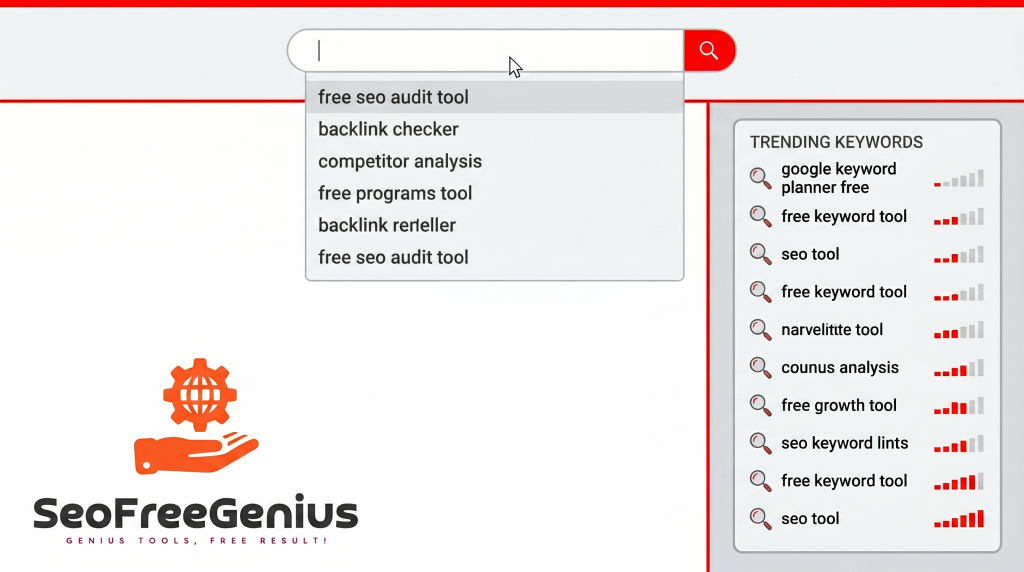
- Type your idea into YouTube and scan autocomplete. Every suggestion is something real users typed recently. [aioseo]
- Drop promising phrases into the YouTube Keyword Extractor to pull more variations.
- Check a few top results for each keyword:
- If you see thumbnails from mid‑sized channels and clear “how‑to” titles, that’s usually a good sign the topic is winnable. [seocircular] [backlinko]
- Run your shortlist through the Keyword CPC Calculator to prioritize topics with stronger commercial value (finance, B2B, software, etc.)
For more background on video‑specific keyword research, the beginner‑friendly AIOSEO video SEO guide and several independent YouTube SEO studies emphasize exactly this pattern: intent‑driven, long‑tail phrases beat generic keywords. [backlinko] [aioseo]
2. Titles That Work on Both YouTube and Google
Your title tells YouTube who should see your video; and it’s also what Google shows when your video ranks in search. Short, specific titles tend to perform better than long, keyword‑stuffed ones. [developers.google]
2.1 Title rules for 2026
- Put the main keyword early
- Many video‑SEO guides recommend placing the core phrase in the first ~40 characters so it’s visible on mobile and in YouTube’s feed. [Backlinko]
- Aim for ~60 characters or less
- Older and newer studies both note that titles longer than this often get truncated in Google’s results. [Google SEO starter docs] [PDF]
- Add a clear outcome or time frame
- “How to Rank on YouTube in 30 Days (2026)” or “YouTube SEO Checklist for Small Channels” sets a clear promise. [influenceflow]
- Avoid repetition
- One clean mention of your main keyword is better than three awkward ones.
To generate variants, you can start with the AI SEO Meta Title Generator and then edit for tone and accuracy.
3. Descriptions That Drive Rankings and Clicks
Descriptions help YouTube and Google understand what your video is about, and the first lines act as mini‑ad copy in search results. Think of them as a bridge between SEO and conversion. [developers.google]
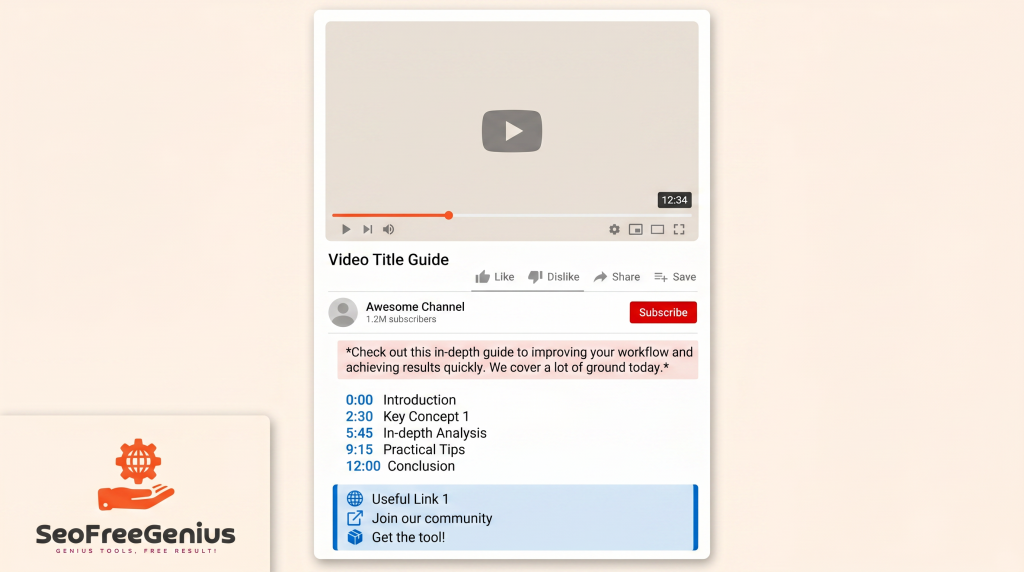
3.1 A reusable description template
- First 2-3 lines (≈150 characters)
- Promise the result, say who it’s for, and include your main keyword in natural language. [aioseo]
- Body section (150-300+ words)
- Summarize key points, mention related subtopics, and sprinkle in secondary phrases that logically belong. Tools like the Keyword Density Checker can confirm you’re not over‑optimizing.
- Timestamps / chapters
- For videos over 5 minutes, add chapters. Multiple video‑SEO guides highlight chaptered content as a useful signal for both navigation and understanding. [seocircular] [aioseo]
- Links and calls‑to‑action
- Include:
- A supporting blog post on your site
- Any free tools you’ve used (e.g., YouTube keyword extractor, CPC calculator)
- Relevant checklists or email opt‑ins
- Include:
If you need a deeper content play to support your topics, you can reuse ideas from your own keyword research and content blueprint posts (How to Do Keyword Research Using Only Free Tools (Step‑by‑Step, 2026 Edition) and (Word Count Optimization Guide: The 2024 SEO Blueprint for Higher Rankings).
4. Thumbnails: The Fastest Way to Lift CTR
YouTube’s own educational material and multiple independent studies agree: click‑through rate + watch time heavily influence how often your video is recommended. Thumbnails are the lever for CTR. [backlinko] [seocircular]
4.1 What high‑CTR thumbnails tend to share
Research from thumbnail specialists and creator‑tools companies shows a consistent pattern: [growthos] [ampifire]
- 2-3 visual elements max, with high‑contrast colors
- 3-4 words of big, readable text that complement (not repeat) the title
- Faces with strong expressions outperform text‑only designs
- Clear, simple composition that still pops in both light and dark mode
You can download and analyze top‑performing thumbnails in your niche using the YouTube Thumbnail Downloader and then sketch your own “channel style” that users recognize.
5. Upload Settings: Small Details That Add Up
Once the video file is ready, the upload screen is where you “wire in” your SEO work.
5.1 A quick upload checklist
- Title: Keyword early, <60 characters, clear benefit. [influenceflow]
- Description: Strong first lines, 300+ words, timestamps, and links.
- Tags: Primary keyword plus 8-10 tightly related phrases; multiple studies now see only a weak direct correlation, but they still help with discovery and organization. [seocircular] [backlinko]
- Category: Pick the closest fit so YouTube knows which audience to test first.
- Thumbnail: Upload the custom one you designed; never rely on auto‑generated frames.
- Subtitles / captions: Upload or refine them; they improve accessibility and help algorithms parse your content. [aioseo]
Several 2026 YouTube SEO walkthroughs recommend treating upload settings as a checklist you repeat every time, rather than improvising. [seocircular] [influenceflow
6. Always Pair a Video With a Strong Blog Post
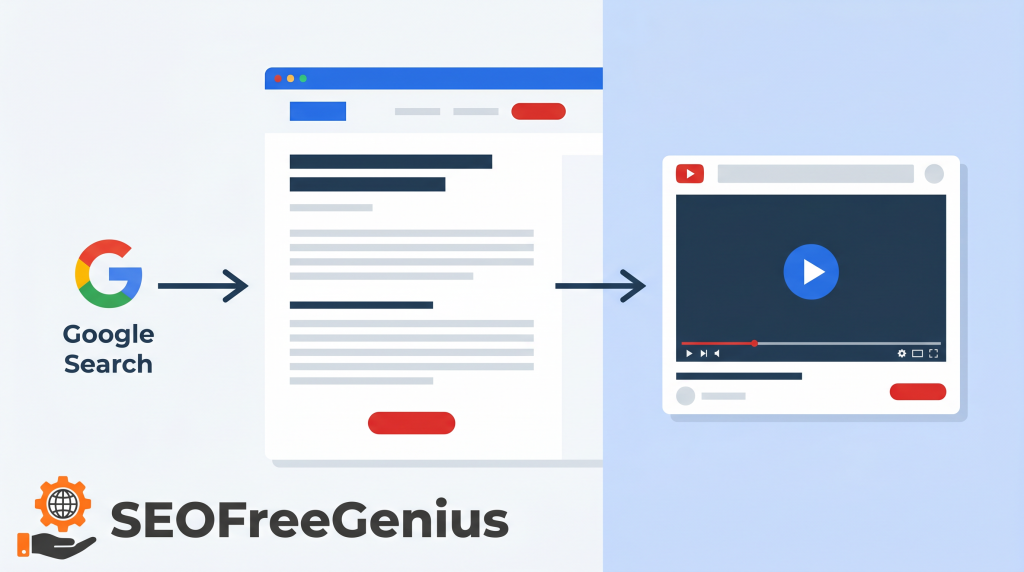
If you want your videos to show up in Google, you should give Google a robust page around each video. That page can also rank on its own and funnel users to the embed. [developers.google]
A simple formula:
- 1,500-2,000 word article that embeds the video
- Clear headings, FAQs, and internal links to related guides
- Screenshots, summaries, or downloads mentioned in the video
You can use Word Counter to keep your posts in the right range and align them with the content‑depth guidance you already use elsewhere.
Some good examples on your own site:
- Video‑friendly guides like “How to Turn a Free SEO Tools Site from 0 to 10K Clicks Using Only Search Console Data”
- Step‑by‑step workflows that naturally suit both text and video.
7. Technical SEO for Video Pages
Once your video is embedded on a page, classic technical SEO rules apply. [vdocipher] [developers.google]
7.1 Key technical elements
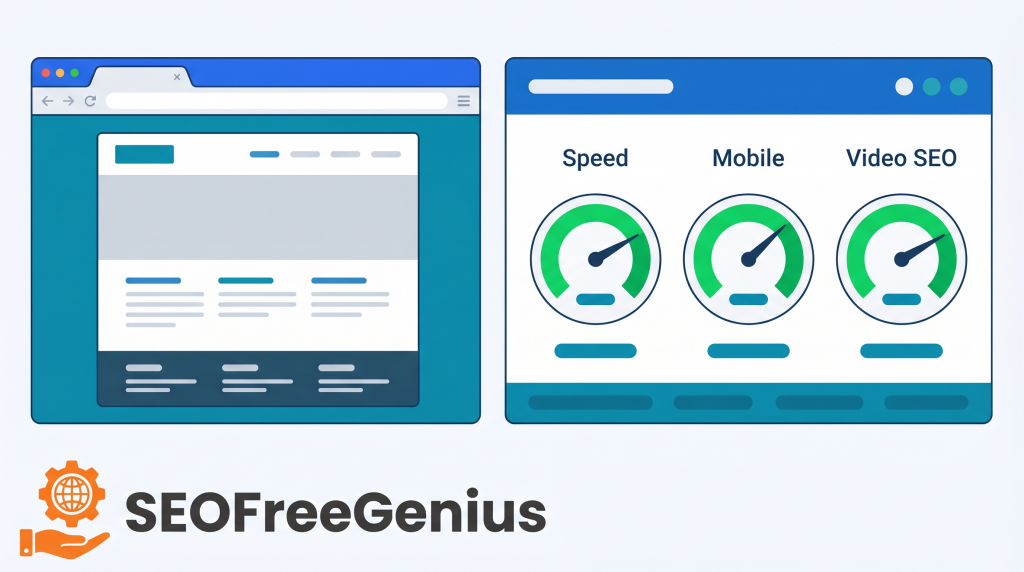
- Mobile‑friendly layout
- Make sure the player and surrounding text work well on phones; over 70% of YouTube viewing is mobile. [seocircular]
- Fast page speed
- Slow pages hurt both user engagement and ranking potential. Tools such as Page Speed Insights Checker and Google PageSpeed Insights can highlight bottlenecks. [vdocipher]
- Video schema + sitemaps
- Add Video Object structured data where appropriate, and include video URLs in your XML sitemap so Google can surface them in richer results. [vdocipher] [developers.google]
You can generate and maintain sitemaps with the XML Sitemap Generator and then submit them through Google Search Console. [developers.google]
8. Build Authority Around Your Videos
Beyond metadata, YouTube and Google look at how the rest of the web treats your content; internal links, backlinks, and engagement. [linkbuilder] [backlinko]
8.1 Practical authority moves
- Link to each video’s blog post from 2-5 other relevant articles on your site.
- Create a “Video Tutorials” or “Learn” hub page that links to your best video posts.
- When you guest post, appear on podcasts, or collaborate with other creators, include:
- A link to the blog post that embeds your video
- The YouTube URL in show notes, when relevant [almcorp]
To keep things tidy, you can use Link Analyzer and Backlink Checker to see how well your internal and external linking is supporting key videos
Several large‑scale YouTube ranking studies (including early work from Backlinko and later follow‑ups by other agencies) point out that likes, comments, and new subscribers also correlate strongly with higher rankings. That’s your cue to: [backlinko] [seocircular]
- Ask a focused question in each video
- Encourage comments and replies
- Nudge viewers to subscribe if they got value
9. Watch the Right Metrics and Iterate
Instead of obsessing over one “magic factor,” focus on the handful of metrics YouTube and video‑SEO case studies keep coming back to. [influenceflow] [seocircular]
9.1 Metrics worth tracking
- CTR (click‑through rate) – how many people click when they see your thumbnail
- Watch time & audience retention – how long viewers stay, and where they drop off
- Subscribers gained per video – especially those who subscribed directly from that video
- Search traffic from Google – impressions and clicks for your blog pages with embedded videos, via Search Console [developers.google] [seocircular]
9.2 A light monthly optimization routine
Once per month:
- If CTR is consistently under ~2-3%, test new thumbnails or title angles. [growthos] [seocircular]
- If most viewers drop off in the first 30-60 seconds, tighten your hook and get into the main value faster. [seocircular]
- If a blog + video combo hovers around positions 10-20 in Google, refresh the article and add a few relevant internal links; if it’s just below page one, consider building a couple of external backlinks. [linkbuilder]
For ranking checks, your Keyword Position Checker at seofreegenius.com can track how those pages move over time.
10. A Simple 30‑Day YouTube SEO Sprint
To tie everything together, here’s a realistic 30‑day plan for one focused video:
Week 1 – Research and script
- Use YouTube autocomplete + YouTube Keyword Extractor to pick one video‑friendly topic.
- Outline a video that genuinely beats the current top results in clarity or depth.
Week 2 – Produce and design
- Record and edit your video.
- Design 2-3 thumbnail concepts following best practices from modern CTR studies (faces, contrast, 3-4 words max). [ampifire] [growthos]
Week 3 – Upload and optimize
- Publish with an optimized title, full description, timestamps, and links to your tools/resources.
- Add tags, choose the right category, and upload captions.
Week 4 – Support and promote
- Publish a 1,500-2,000 word supporting article on your site that embeds the video and links to 3-5 related posts.
- Add the URL to your sitemap, submit in Search Console, and share the content with your email list, social channels, or communities where it’s genuinely relevant. [aioseo] [developers.google]
Repeat this process for a small cluster of related topics, and you’ll build both YouTube authority and Google visibility around your niche; without relying on the same handful of sources you used in your AI‑search article.

Samir H. M. is the creator of [seofreegenius.com], offering 66+ free SEO tools from Riyadh. He’s hands-on tested and built features like plagiarism checkers and backlink tools, plus 36 guides to help sites rank better. Practical, no-BS advice for real users.